Technology at Westphal
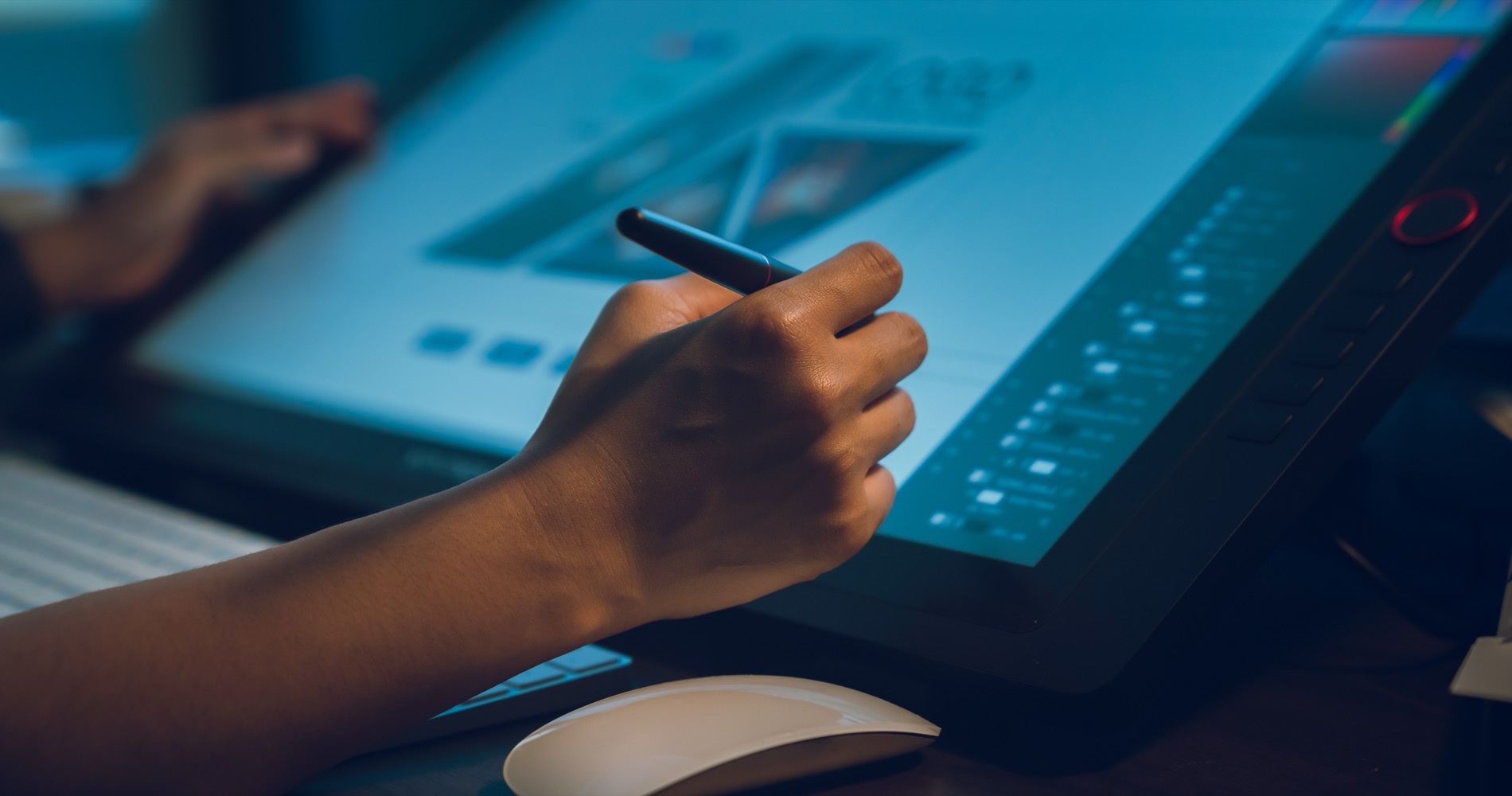
From your first term at Westphal, you work with the same professional tools the design, film, animation, game, music, and architecture industries use every day. Westphal IT provides the software, the labs, and the hands-on support that let you focus on the work instead of the setup.
We support students, faculty, and staff across the Antoinette Westphal College of Media Arts & Design, with a presence in the URBN Center and locations throughout campus.
Professional creative software
Across Westphal's programs, you'll work with the industry-standard creative software that professionals use every day:
- Design and illustration: the full Adobe Creative Cloud suite (Photoshop, Illustrator, InDesign, Premiere Pro, After Effects, and more), Figma, and CLO for 3D fashion.
- 3D, animation, and VFX: Autodesk Maya and 3ds Max, Houdini, ZBrush, Cinema 4D, Nuke, DaVinci Resolve, and industry renderers including Redshift, RenderMan, and V-Ray.
- Games and interactive: Unreal Engine, Unity, and Perforce version control.
- Film, video, and audio: Avid Media Composer, Final Cut Pro, Avid Pro Tools, Logic Pro, and Ableton Live.
- Architecture and product design: Rhino, SolidWorks, Autodesk Revit and AutoCAD, SketchUp Pro, and KeyShot.
That's a sample; programs draw on dozens of titles in all. How you get each one varies: many are ready to use on Westphal lab computers and through the Virtual Lab, while others you obtain yourself through student or educational licensing. Westphal IT can point you to the right option for your courses.
Your software, anywhere: the Westphal Virtual Lab
You don't have to be on campus, or even on a powerful computer, to use Westphal's software. The Westphal Virtual Lab streams our lab environment to your own laptop or a web browser, with no VPN required. Sign in with your Drexel account and work in Maya, the Adobe suite, Unreal Engine, and more from wherever you are.
→ How to connect on your device
Computer labs
Westphal IT manages Mac and PC computer labs across the college, equipped with the hardware and professional software each program needs. Lab computers come loaded and ready, so there's nothing to install and no license to track down. Prefer your own laptop? Bring-your-own-device workstations across campus let you connect to a large monitor for extra screen space, and the Virtual Lab gives you the same lab software from anywhere.
Specialized studios and technology
Beyond the everyday labs, Westphal students work with the specialized spaces and equipment their fields actually use. Across the college, you'll find:
- Music and audio: recording studios and MIDI labs for tracking, mixing, and production.
- Film and video: studios for film and television production.
- Photography: studios with professional lighting for photo shoots.
- Motion capture: industry-standard motion capture for animation, games, and virtual production.
- Digital fabrication: 3D printing, laser cutting, and CNC routing (ShopBot) that turn digital designs into physical objects.
- Render farm: dedicated compute that handles the heavy 3D and animation renders a laptop can't.
Access to some of these spaces depends on your program. Your department and Westphal IT can point you to what's available for your work.
Printing and the Print Center
The Westphal Print Center offers affordable, high-quality printing across campus: self-service black-and-white and color printing in six locations, plus full-service large-format poster printing up to 36 inches wide for reviews, critiques, and exhibitions.
→ Visit the Print Center
Choosing a laptop
Different Westphal programs ask different things of a computer. Before you buy, check our per-program laptop guide: it lists the recommended processor, memory, storage, and graphics for each major, from Film & Television to Game Design to Fashion, so you buy the right machine once.
→ See laptop recommendations for your program
Get help
Real support from a team that knows your tools. Westphal IT helps with software, printing, the computer labs, and the technology across the college.
→ See all the ways to get help
For university-wide services like passwords, Drexel email, and Blackboard, contact Drexel IT.