iLab instructions for Drexel Users
iLab has a comprehensive help menu and offers technical support by phone or through a ticketing system that you may use at any time if you have questions.
Getting Started
- Navigate to the core page
- Click sign in using Drexel University credentials*
- You will be directed to the Drexel Connect page where you can enter your Drexel credentials
- Once you have entered your credentials, click the ‘Connect’ button
- You will be directed to an iLab Registration page where you will need to select your PI/Lab and verify your contact information
- Once your registration has been submitted, your advisor will receive a notification that you have requested membership to their lab in an automated message from iLab. They will need to approve your membership and assign any Drexel Fund numbers for your use
- Once approved, please navigate to the Cell Imaging Center Core page (Under Core Facilities in the upper lefthand dropdown) and fill out the “Training Request form” found in the "Services Request" tab. To complete the form you will need to upload your BioRAFT's Laser Safety Training completion certificate.
*If you are an external user of the facility you will not be able to login with Drexel credentials. Please set up an iLab account instead. Start by clicking “Register” in the upper left corner. The rest of the process is very similar to the instructions posted above and the video instructions.
Learn more about cic
Location
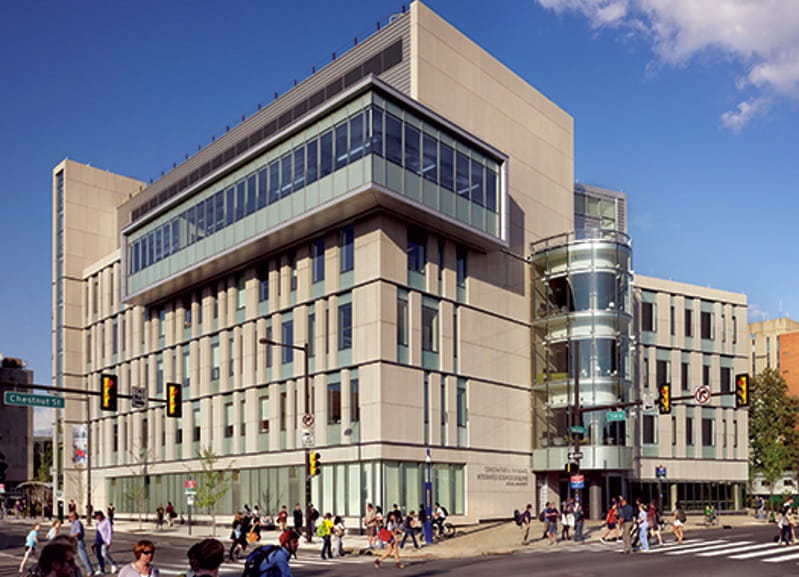
Cell Imaging Center
Drexel University
Papadakis Integrated Sciences Building
4th Floor
3245 Chestnut Street
Philadelphia, PA 19104
Drexel University
Papadakis Integrated Sciences Building
4th Floor
3245 Chestnut Street
Philadelphia, PA 19104